
What it is
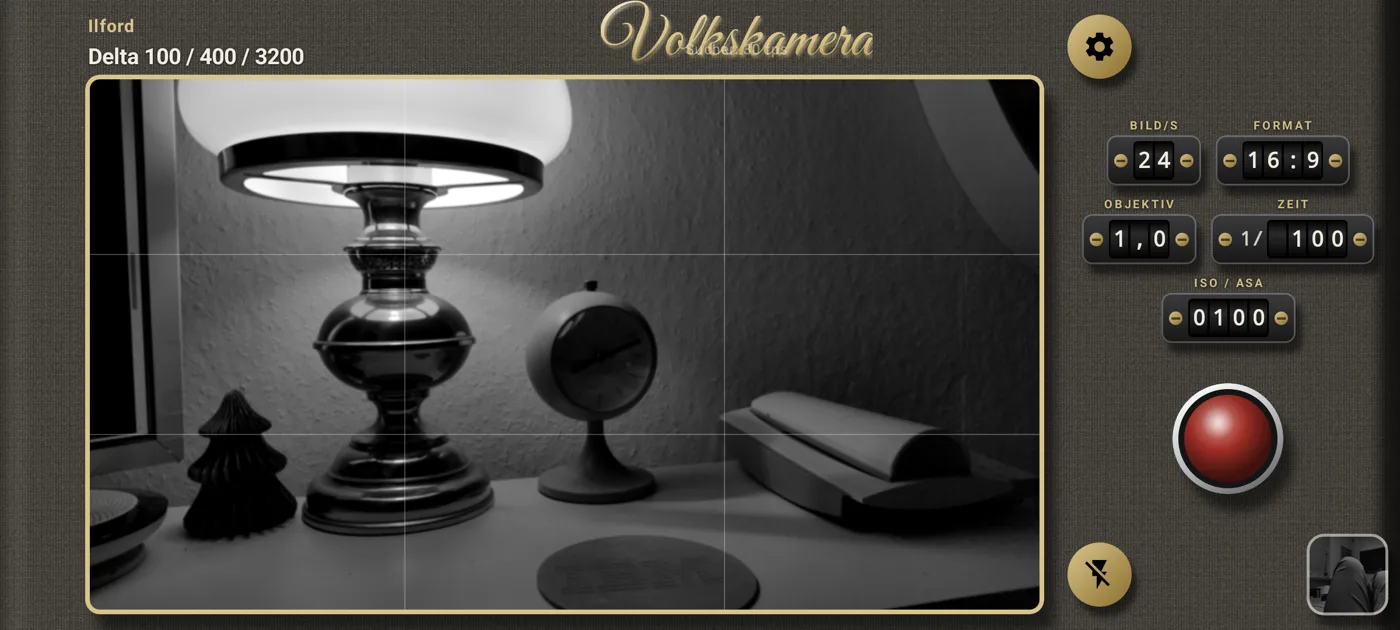
Volkskamera films like an analogue movie camera. You choose a real film stock – from the orthochromatic cinema film of the 1890s via Kodachrome and Agfacolor to today’s slide film – and film with its colours, its contrast and its grain. As with a real camera, every film has a fixed sensitivity; you control brightness with the shutter speed.
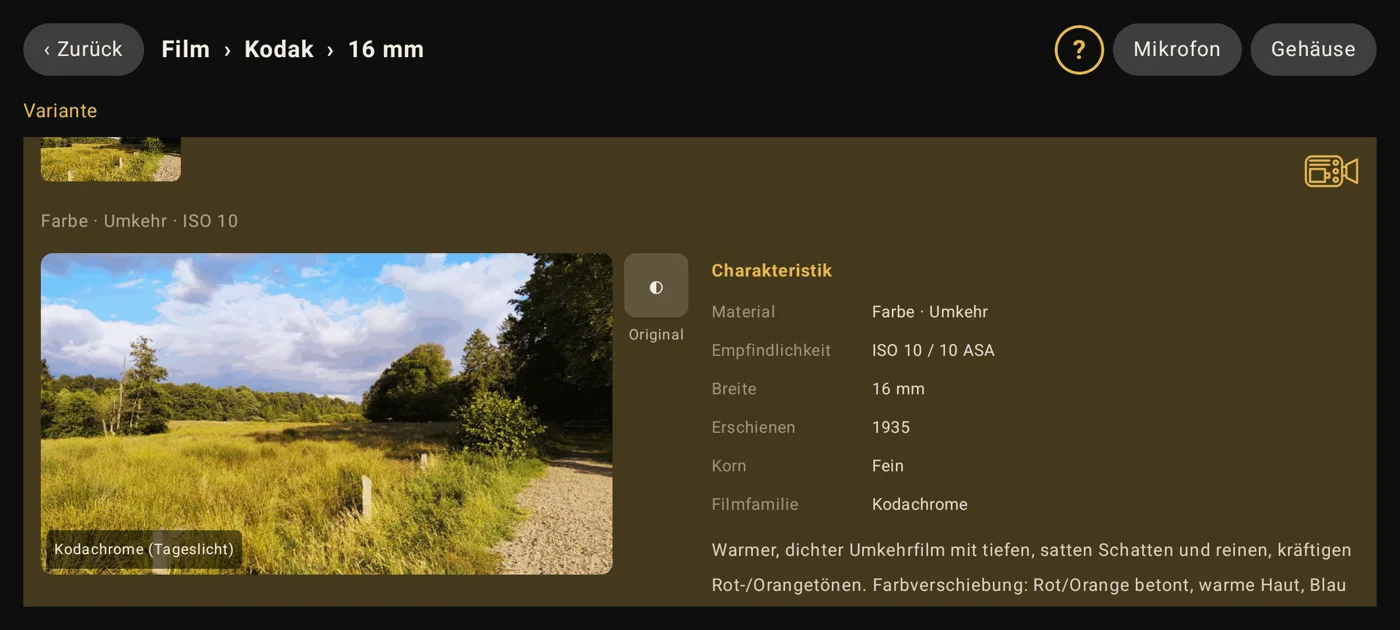
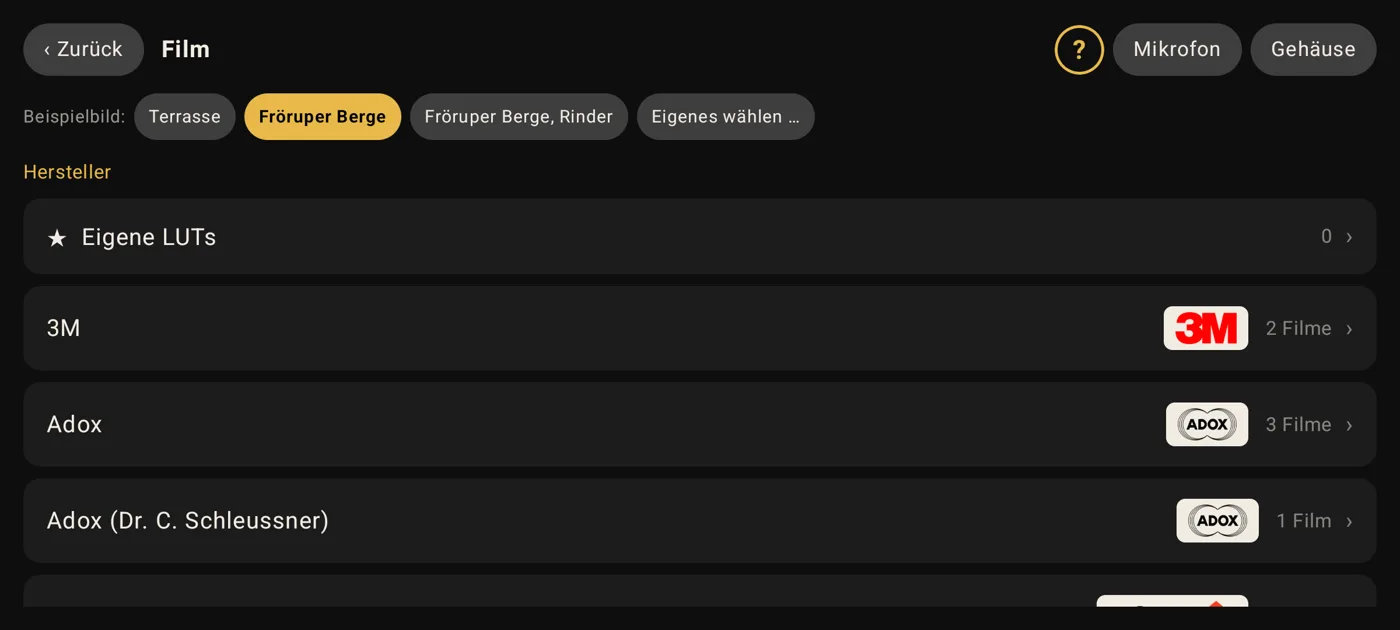
from 26 manufacturers in 8, 16 and 35 mm – each with profile, sample image and sources.
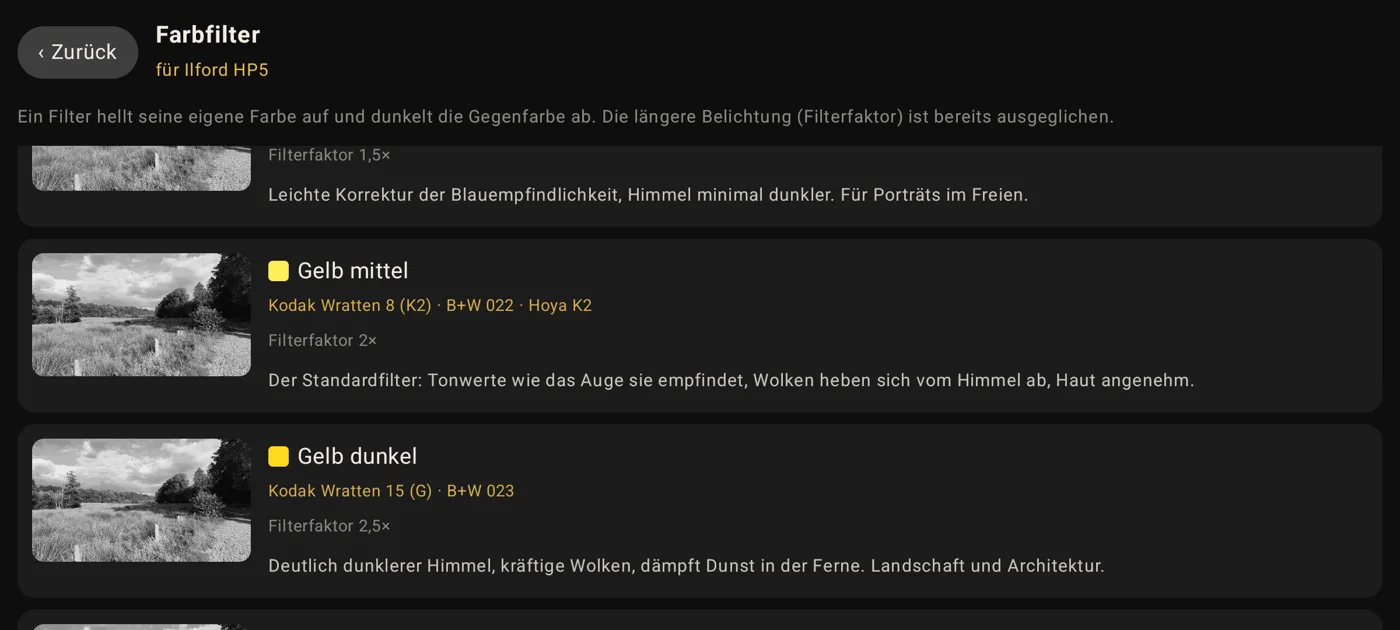
yellow, orange, red, green, blue – with Kodak Wratten, B+W and Hoya names.
Fixed film sensitivity, shutter speeds from 1/5 to 1/5000 – no auto mode, no re-exposure.
Measures how your phone alters the image and compensates before every film.
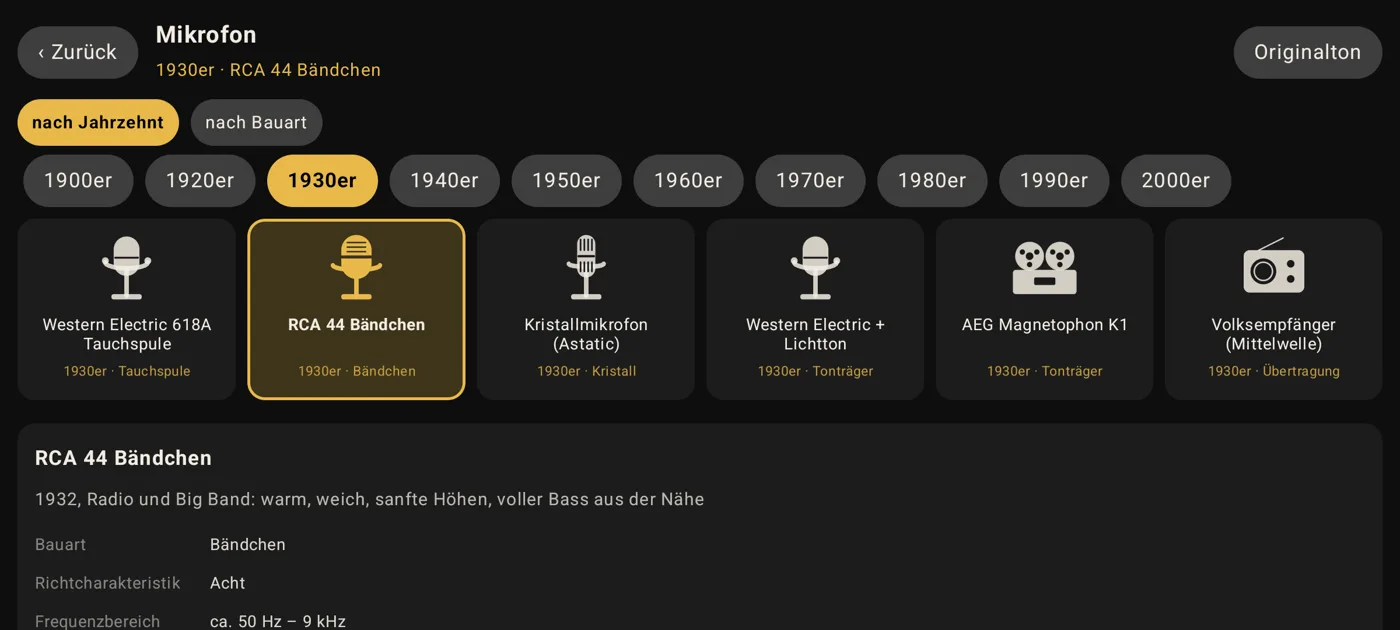
from the Edison phonograph to the camcorder, plus noise, crackle and hum.
Save film, filter and sound and pass them on as a short text.
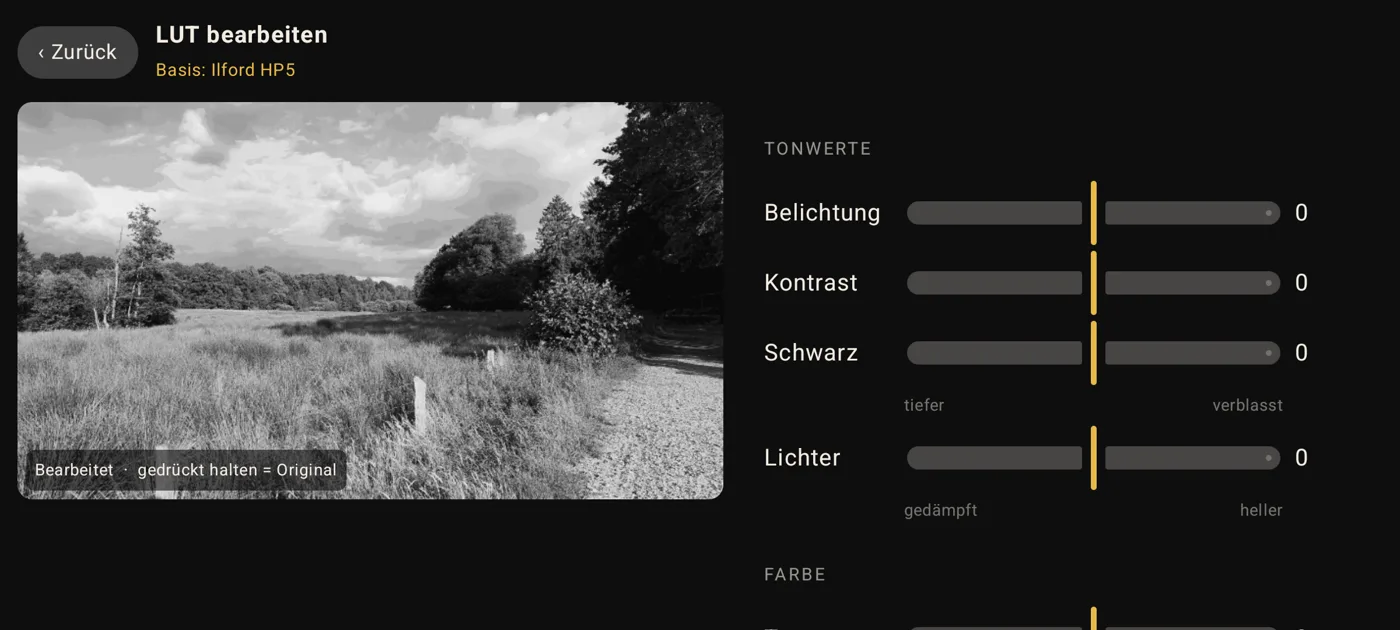
Adjust any film and save it as your own version.
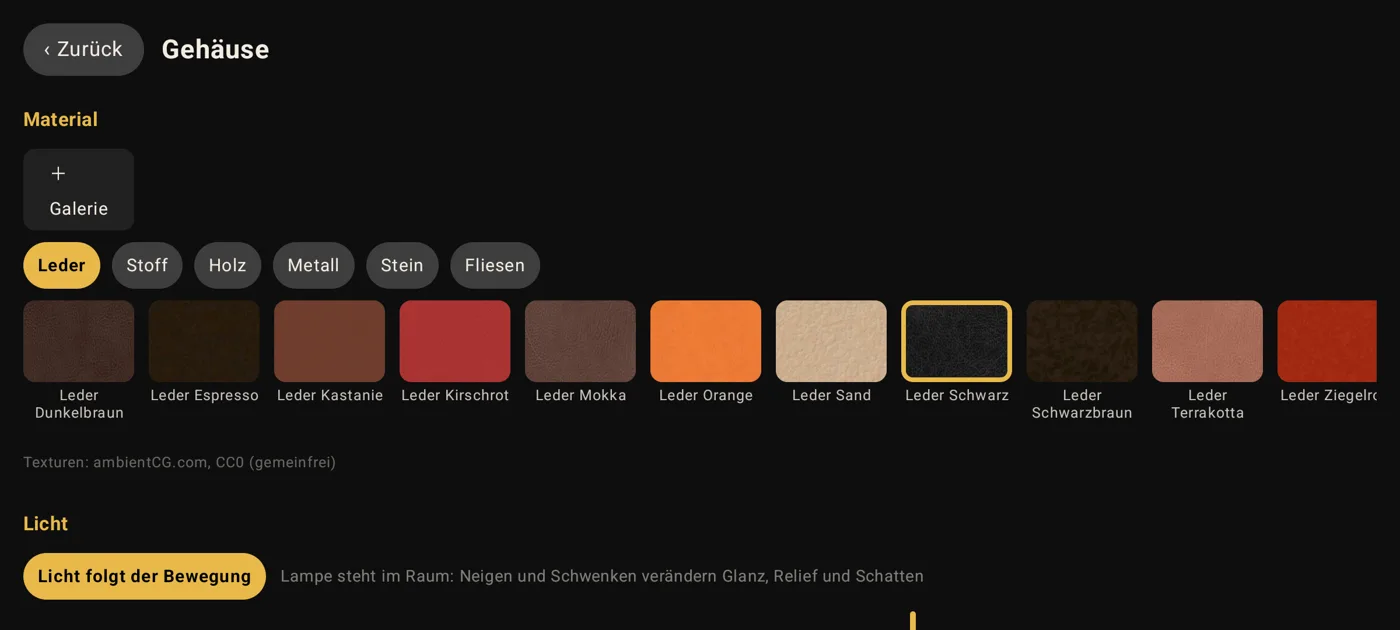
127 materials with light that follows tilting and turning; your own lettering, four app icons.
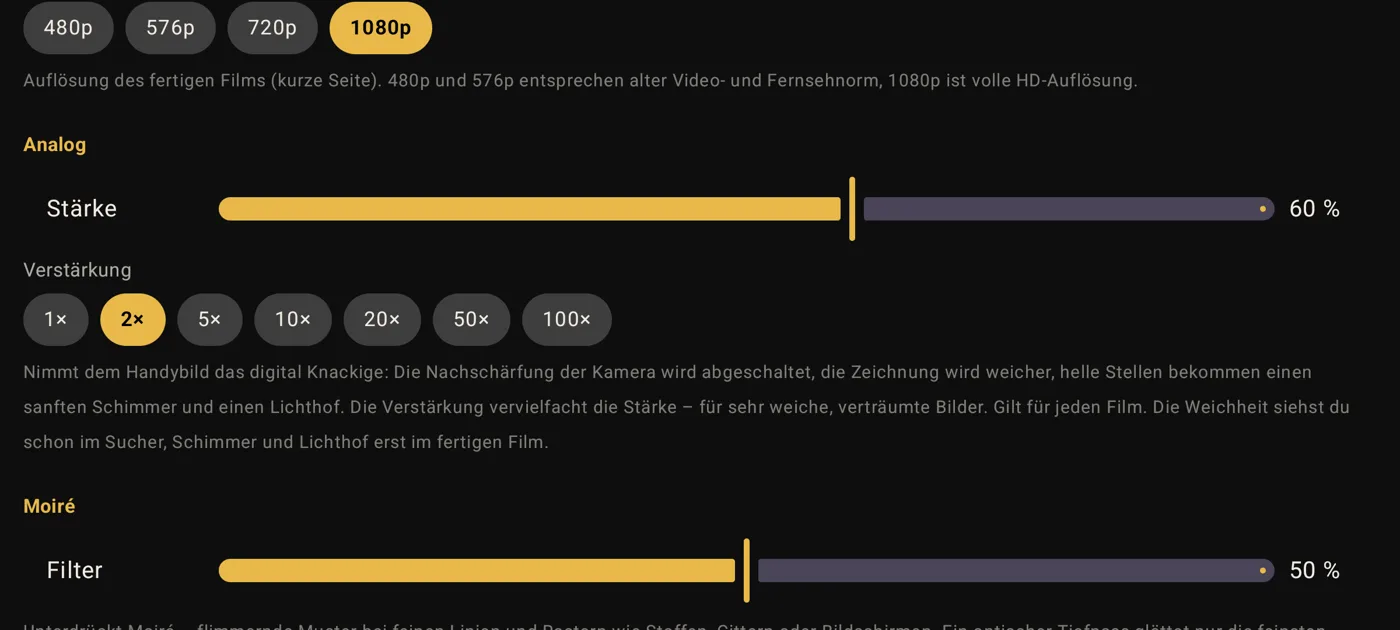
Switches off the phone’s sharpening – soft rendering, glow and halation, boostable up to 100×.
Calm fabrics, fences and screens: optical low-pass and full sensor readout.
Screenshots
Screenshots show the German interface; the app is fully available in English.
Privacy
Volkskamera has no internet permission. It technically cannot send anything: no ads, no tracking, no accounts, no cloud, no analytics. Your recordings stay on your device. The app only asks for camera and microphone – to film.
This site sets no cookies either, loads nothing from third-party servers (no fonts, no scripts, no statistics) and works without JavaScript.
The source code is open – anyone can check what the app does: github.com/veritasX1/VolksKamera
Download only here
Volkskamera is free and has no paid features. There is no “premium”, “pro” or “mod” version. Offers on other sites or in third-party app stores are not ours and may be tampered with. The only official sources are volkskamera.goip.de and GitHub releases. If in doubt, check the SHA-256 checksum above.
Installation
- Download the APK on your phone.
- Open it and allow installation from this source once.
- Grant camera and microphone access on first start – done.
If you installed an earlier test version, uninstall it once. All language versions are the same app – only the starting language differs.
Via F-Droid
With the F-Droid app you get every update automatically. Just add my repository once – it also contains my apps Schmalfilm and RetroCam (early test version).
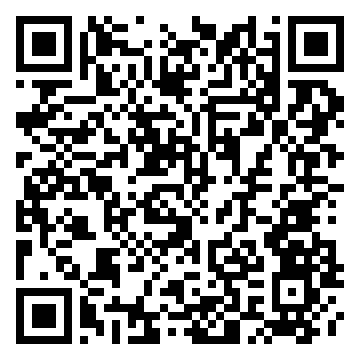
On a computer? Scan the code with your phone:
Manually: address: https://volkskamera.goip.de/fdroid/repo
Fingerprint: 8DA9DEF44C65856A1B098DB7BF876D48514997EF17C7256E23E91EAC6C486500
The F-Droid version starts in your phone’s language. It is signed with the same key as the APK here – you can switch at any time and keep your settings.
Licence
Volkskamera is free to use – privately and professionally. Everything you record with it belongs to you, including for commercial use. It is not permitted to sell the app or parts of it, to add paid packs, subscriptions or ads, or to distribute it via other sites. Full licence (German, with English summary)
Sources & rights
- Film looks: calculated by us from the manufacturers’ technical data sheets (Eastman Kodak, Fujifilm, Ilford/Harman, Foma, Agfa/Agfa-Gevaert, ADOX, ORWO, CineStill, Lomography and others) and the collection of characteristic values in the project peva3/Lightroom-Presets. The sources for each film are listed in the app’s film profile.
- Body textures: ambientCG.com, Creative Commons CC0 1.0 (public domain). Thank you!
- Fonts: Great Vibes (TypeSETit) and Kaushan Script (Impallari Type), SIL Open Font License 1.1.
- Manufacturer logos: Wikipedia/Wikimedia Commons. Kodak, Kodachrome, Fujifilm, Agfa, Ilford, ORWO and all other names and logos mentioned are trademarks of their respective owners. Volkskamera is not affiliated with any of these companies.
- Sound: microphones, noise, crackle and hum are calculated in the app – no third-party recordings.
- Sample images: our own photos from Schleswig-Holstein (Fröruper Berge).